



Download Dezor APK – Web Browser with Built-in VPN, Ad-Blocker, Secure Browsing
Overview
Dezor is a free Android browser application that integrates a built-in VPN and ad-blocking functionality into a single desktop-like browsing experience. Designed for users seeking enhanced privacy and security while browsing the internet, Dezor combines the standard features of modern web browsers with the added protection of a virtual private network. The software enables users to surf the web anonymously, bypass geo-restrictions, and avoid intrusive advertisements—all without needing to install additional apps.
Target users include privacy-conscious individuals, travelers, students, and general consumers who want a streamlined, secure browsing environment. The app is particularly suited for those who value convenience and want to minimize app clutter by consolidating browsing, privacy, and ad-blocking tools into one interface. Real-world usage scenarios include accessing blocked content, protecting personal data on public Wi-Fi networks, and enjoying uninterrupted web experiences without banner ads or pop-ups.
The developer has not provided additional background information. Platform compatibility is confirmed for Android, with the app available on the Google Play Store. No details were provided regarding system requirements, installation size, or resource usage.
Key Features & Capabilities
- Integrated Built-in VPN – Enables secure, encrypted connections to protect online activity and mask IP addresses, helping users maintain anonymity while browsing.
- Native Ad-Blocker – Automatically filters out ads, pop-ups, and trackers, improving page load speed and reducing data consumption.
- Unified URL/Search Bar – Combines search and navigation in a single input field, allowing quick access to websites or search results via Google.
- Dark Mode Support – Reduces eye strain during low-light browsing sessions and enhances battery efficiency on OLED screens.
- Bookmark Management – Allows users to save favorite websites for quick access, improving workflow efficiency.
- Language Options – Supports multiple languages, making it accessible to a global audience.
- Variable Download Quality – Offers control over media quality during downloads, helping users manage bandwidth usage.
These features collectively deliver a clean, efficient browsing experience. For example, a user traveling abroad can use the built-in VPN to access region-locked content while simultaneously blocking ads that might otherwise slow down their connection. The combination of privacy tools and standard browser functions makes Dezor a practical alternative to mainstream browsers like Chrome or Firefox, especially for users prioritizing security and simplicity.
User Interface, Workflow & Performance
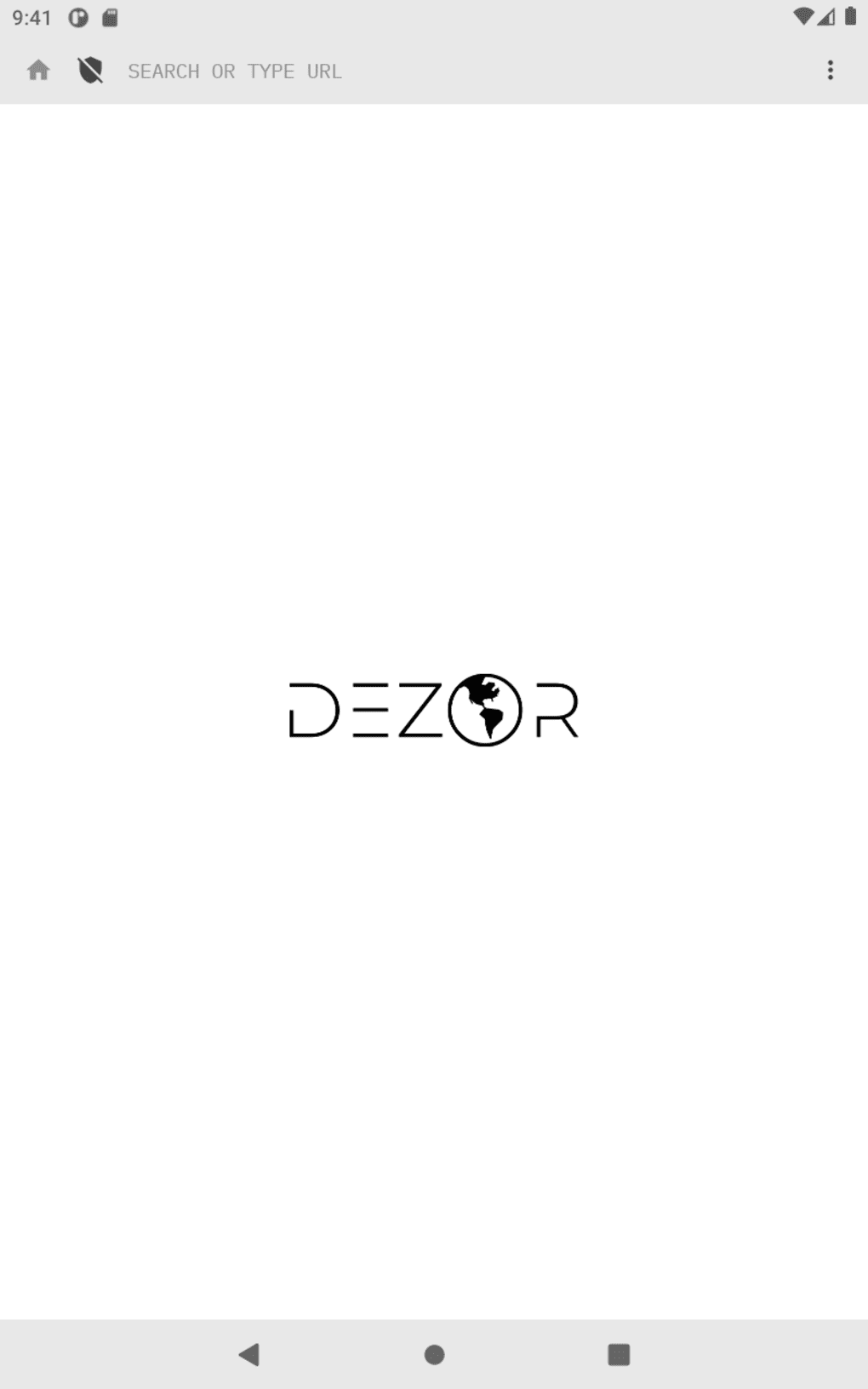
Dezor presents a minimalist interface with a clean layout centered around a combined URL and search bar at the top of the screen. Navigation is intuitive, with all core functions accessible through a main menu that can be opened with a single tap. The design prioritizes usability, minimizing visual clutter and ensuring that essential tools are easy to locate.
Workflow efficiency is enhanced by the integration of multiple features—such as the ad-blocker and VPN—into the core browsing experience. Users can enable or disable these tools with minimal effort, reducing the need to switch between separate applications. The app supports standard browser behaviors, including bookmarking, tab management, and search functionality, which contribute to a familiar user experience.
Performance details were not specified by the developer. General software behavior patterns suggest stable operation under normal conditions, but exact CPU or RAM usage remains unknown. The developer did not provide information on stability, update frequency, or background process behavior. Users should expect a standard Android app performance profile unless otherwise indicated.
Compatibility & System Requirements
Dezor is available for Android devices and can be downloaded from the Google Play Store. The app is designed to run on Android operating systems, though specific version requirements were not provided. Installation size and hardware specifications were not disclosed by the developer.
Platform compatibility information is limited to Android. No details were shared about support for iOS, Windows, or Mac. Users should verify compatibility with their device model and Android version before installation. The developer did not specify minimum processor speed, RAM, or storage space requirements.
Exact system requirements were not listed. Compatibility information was partially provided. Users are advised to check their device's specifications and ensure they meet general Android app standards for optimal performance.
Pros and Cons
Pros
- Free to download and use with no hidden costs
- Combines browser, VPN, and ad-blocker in a single app
- Simple, clean interface with intuitive navigation
- Enhanced privacy through built-in encryption and IP masking
- Supports dark mode, bookmarks, and multiple languages
- Available on Google Play Store for secure downloads
Cons
- No information provided on system requirements or performance metrics
- Android-only availability; no support for other platforms
- Exact resource usage (CPU, RAM) not disclosed
- Developer background and company details not available
- Limited transparency regarding update frequency and security protocols
FAQ Section
Is Dezor available for iOS devices?
Dezor is currently available only for Android. There is no official version for iOS devices.
Is the built-in VPN secure and reliable?
The app includes a built-in VPN system designed to enhance privacy. However, specific security protocols and server locations were not disclosed by the developer.
Does Dezor require a subscription or in-app purchases?
Dezor is free to download and use. No subscription or in-app purchase requirements were mentioned.
Can I use Dezor offline?
Basic browsing functions such as viewing saved pages and bookmarks can be used offline. However, the VPN and ad-blocker features require an active internet connection to operate.
How often are updates released?
Update frequency was not specified by the developer. Users are encouraged to check the Google Play Store for the latest version.
Final Thoughts
Dezor offers a compelling alternative for Android users seeking a secure, ad-free browsing experience without the need for multiple apps. Its integration of a built-in VPN and ad-blocker into a lightweight browser interface makes it a convenient tool for privacy-focused individuals and casual users alike. While the lack of detailed system requirements and performance data limits full transparency, the app delivers on core functionality with a clean, user-friendly design.
For those looking to simplify their digital toolkit, enhance online privacy, and enjoy faster, cleaner browsing, Dezor presents a solid choice. It stands out as a practical solution for users who value convenience, security, and simplicity in a single application.
Download Dezor now





.png)

